MCP Servers in Developer Portal
Updated 15 July 2026
All MCP servers that are enabled for the Developer Portal display here. Each tile represents an MCP server and you can select each for the following details: Version, Transport Type, Tools, Source Repository, Endpoint URL, and Server.json.
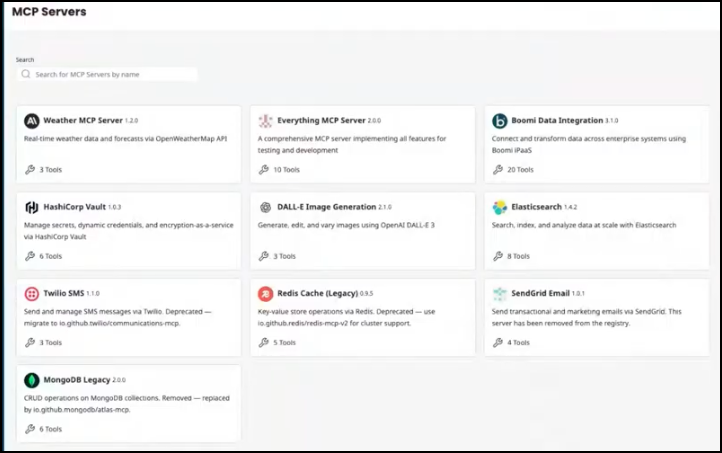
MCP Server visibility in developer portals
You can specify if you want the MCP Server menu item to display in developer portals or you can specify which groups can see it.
- In the administration portal, go to Configuration > Developer Portals.
- Select MCP Portals.
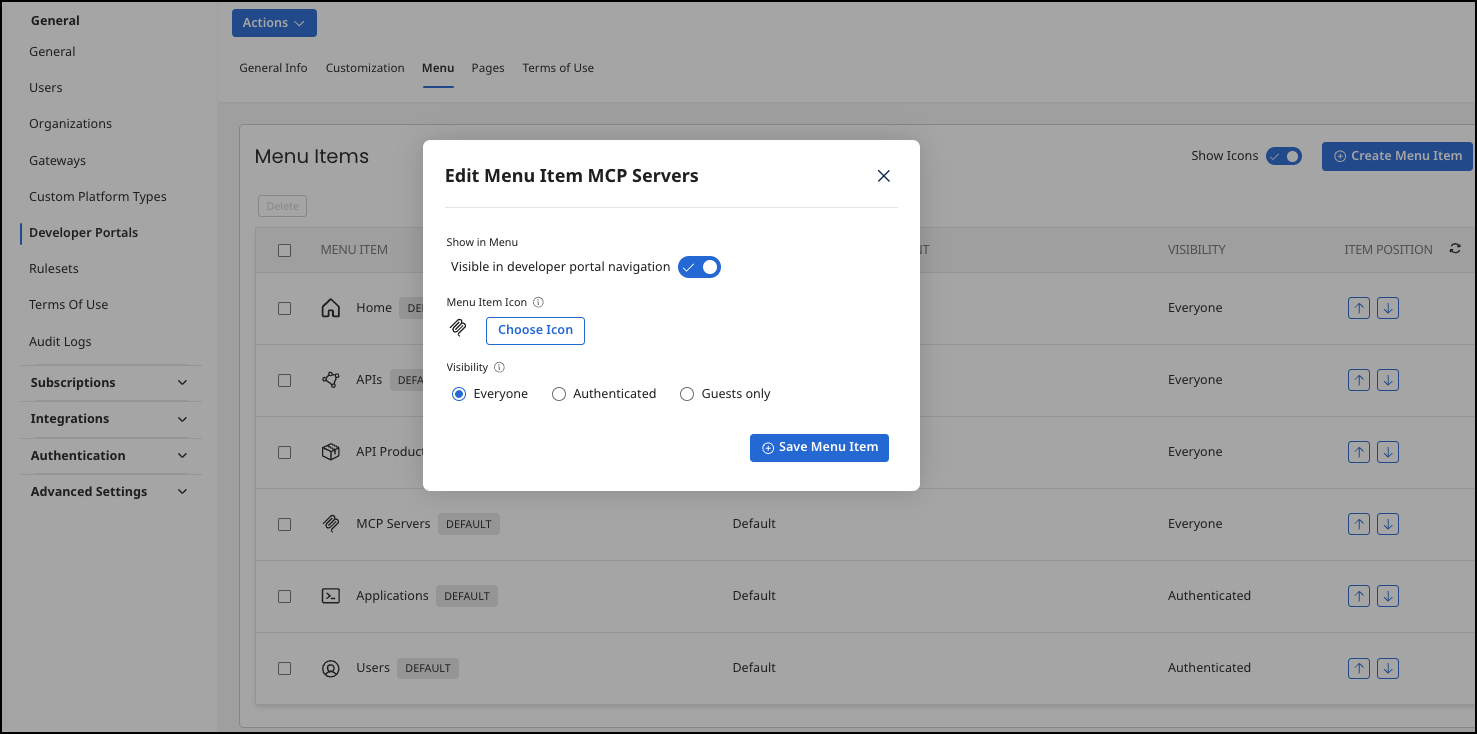
- The following options are available:
-
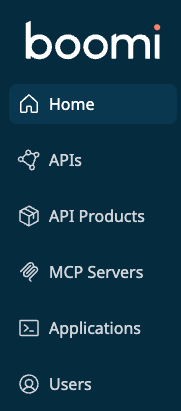
Show in Menu Visible in developer portal navigation - If enabled, the menu item displays in the left side menu navigation in the developer portal. The image below shows the default developer portal menu items.
-
Menu Item Icon - The image that displays next to the menu item in the developer portal.
-
Visibility
- Everyone - All users can view the menu item.
- Authenticated - Only logged in users can view the menu item.
- Guests only - Only visitors that are not logged in can view the menu item.
